For independent contractors and trades
Quote the job. Bill the job. Keep your records.
Clients, jobs, estimates and invoices in one app, with PDFs you can send from your phone. Take a deposit, record part payments and see the balance due. No account, no ads, and your records stay on your device.
Free to start · iPhone and iPad · Also runs on iPhone Duo (outer display)
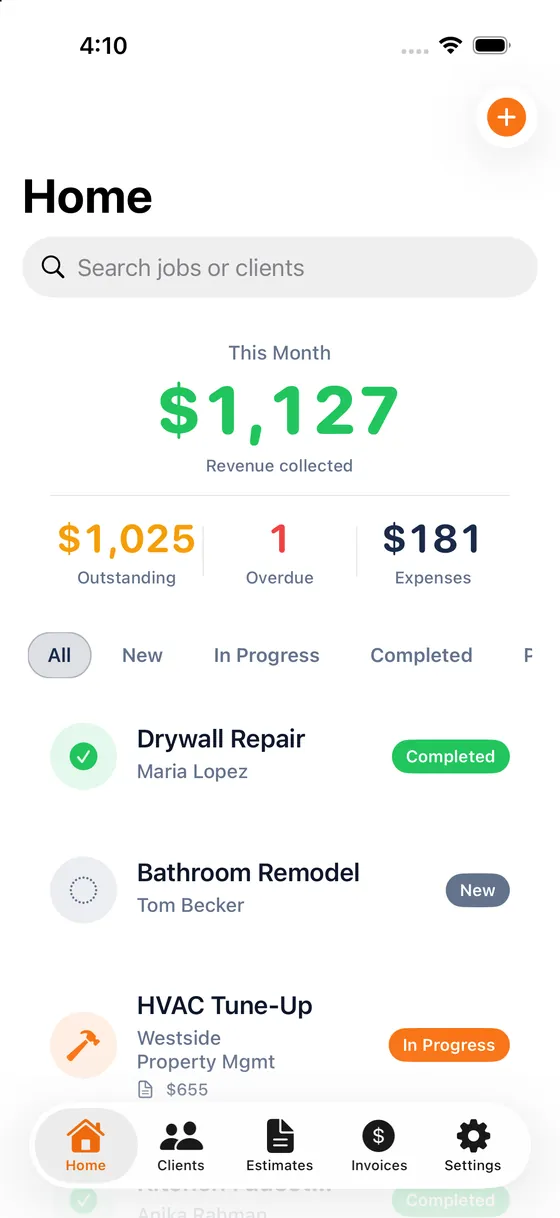
- No account, no sign-in
- No ads
- No analytics
- No servers: data stays on your device
- Full backup of your own data, free
Why ContractPro
Built for the person who is also the office.
You are on a ladder, in a truck or at a kitchen table. ContractPro is made for that: quick to fill in, exact with money, and nothing between you and your own records.
Cent-exact money
Totals, tax and balances are worked out to the cent, so the figure on the estimate is the figure on the invoice.
Deposits and balance due
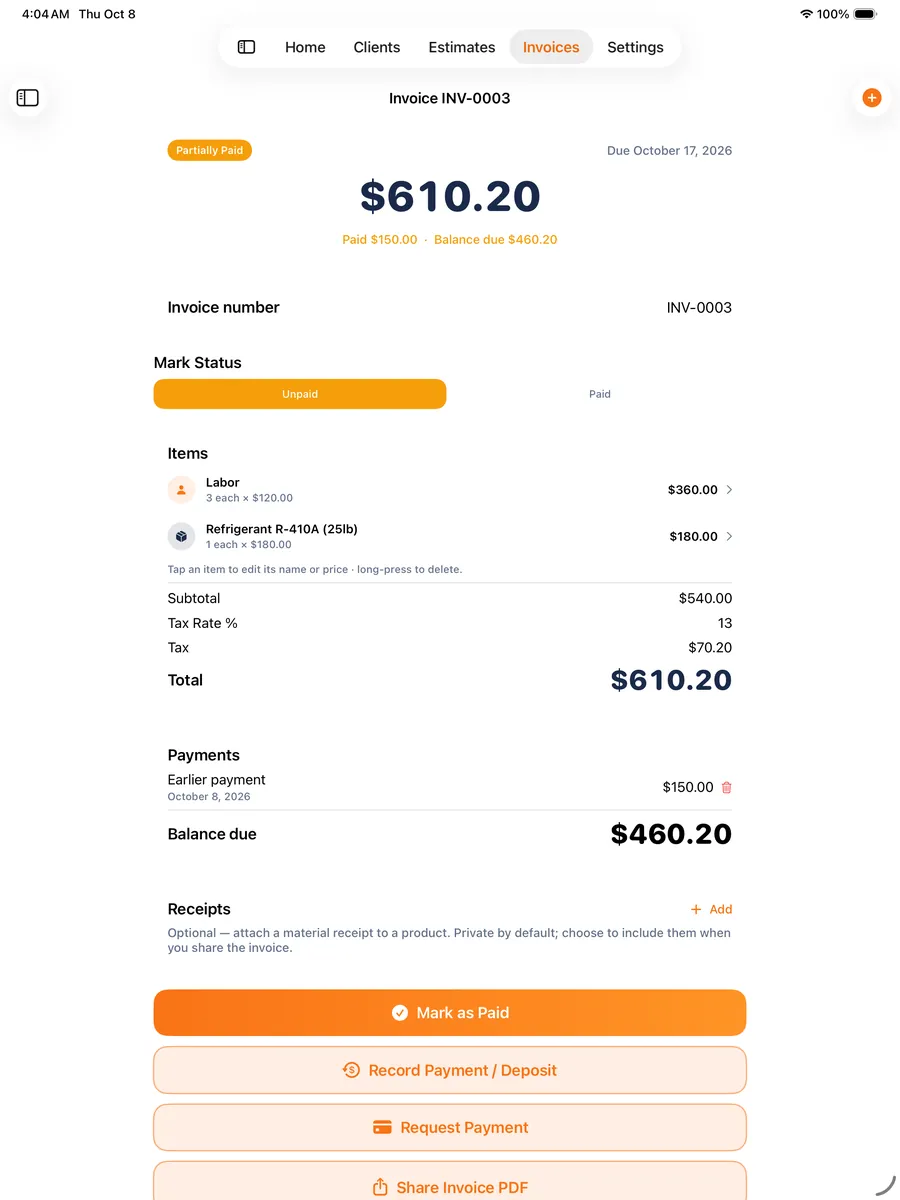
Record a deposit or a part payment against an invoice and see what is still owed. This is free, not a paid add-on.
Yours, start to finish
No account to create and no ContractPro server holding your clients. Back up your whole business to a file you keep.
How it works
From quote to paid, in four steps.
Made for plumbers, electricians, HVAC, handymen, painters, roofers and other solo tradespeople. Items marked Premium are part of the optional upgrade.
- 1
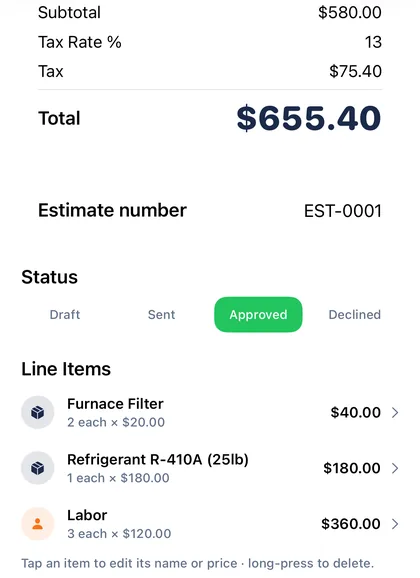
Quote the job
Build an estimate from line items, labour and materials. Tax and the total are worked out to the cent.
- 2
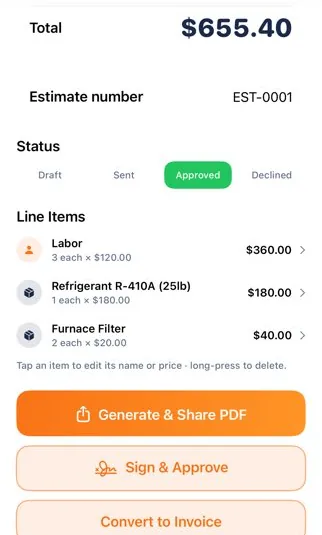
Get the OK Premium
Hand over your phone and the client signs to approve the estimate. A signed estimate stays locked.
- 3
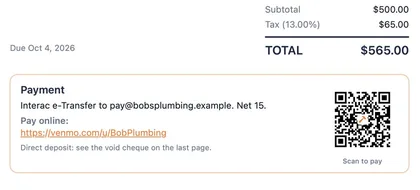
Invoice and get paid
Turn the estimate into an invoice and record a deposit for free. With Premium, the PDF carries your tappable payment link and a Scan to pay QR code.
- 4
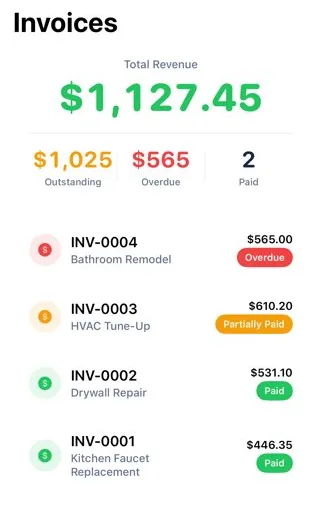
Keep your records
See what is outstanding at a glance, and back up everything to a file you keep. Backup is free.
App screens are real captures with demonstration data.
On the job
Built to make the job easier.
Less paperwork after a long day, and a quicker way to get paid. Items marked Premium are part of the optional upgrade; the rest is free.
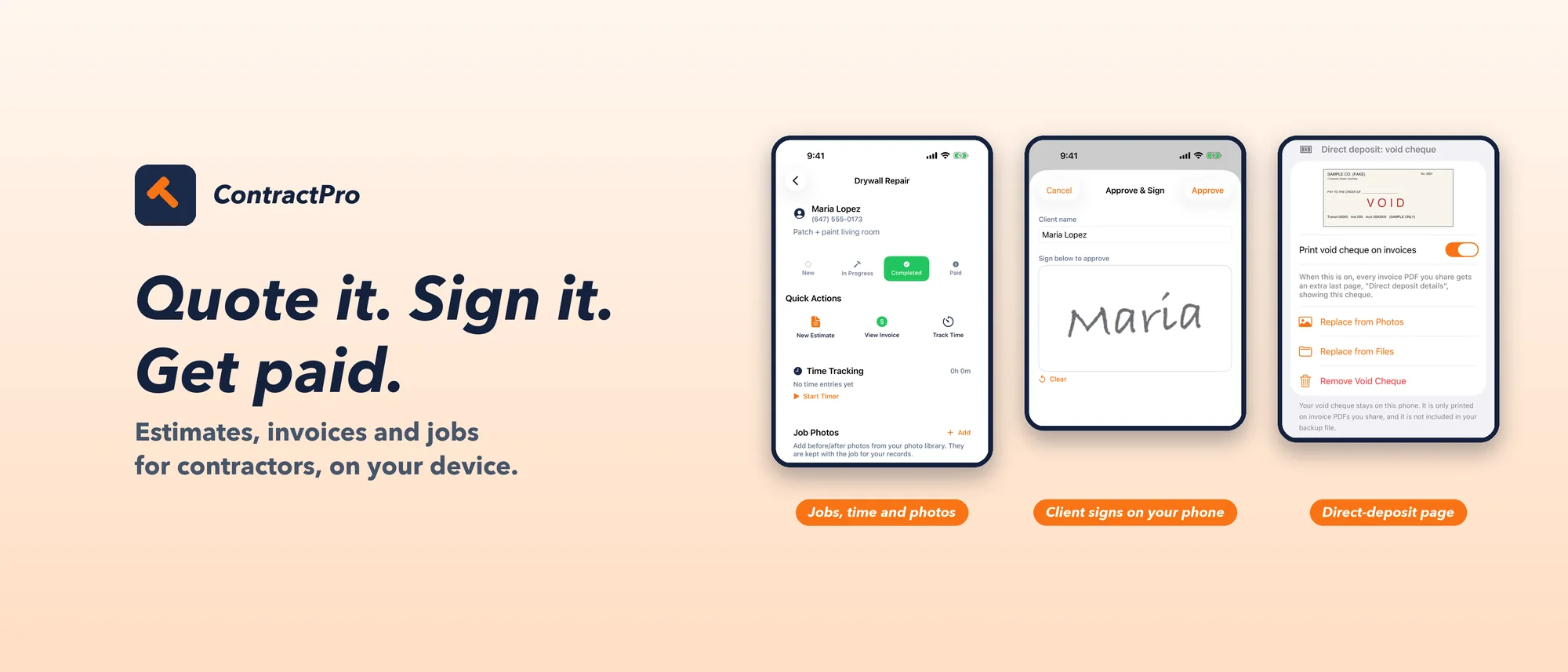
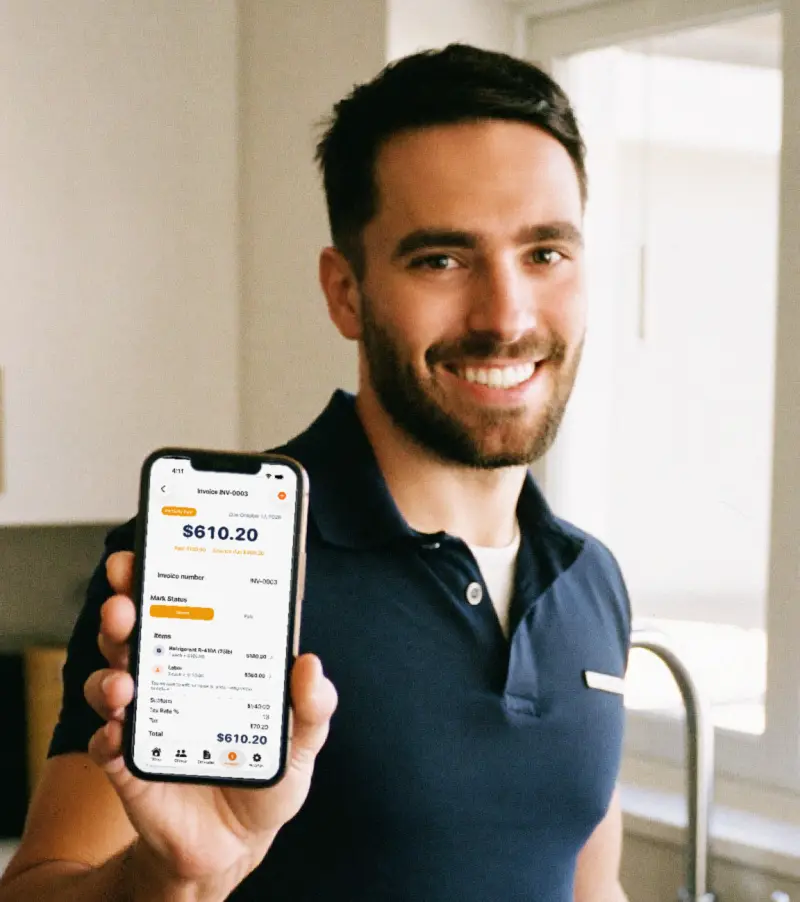
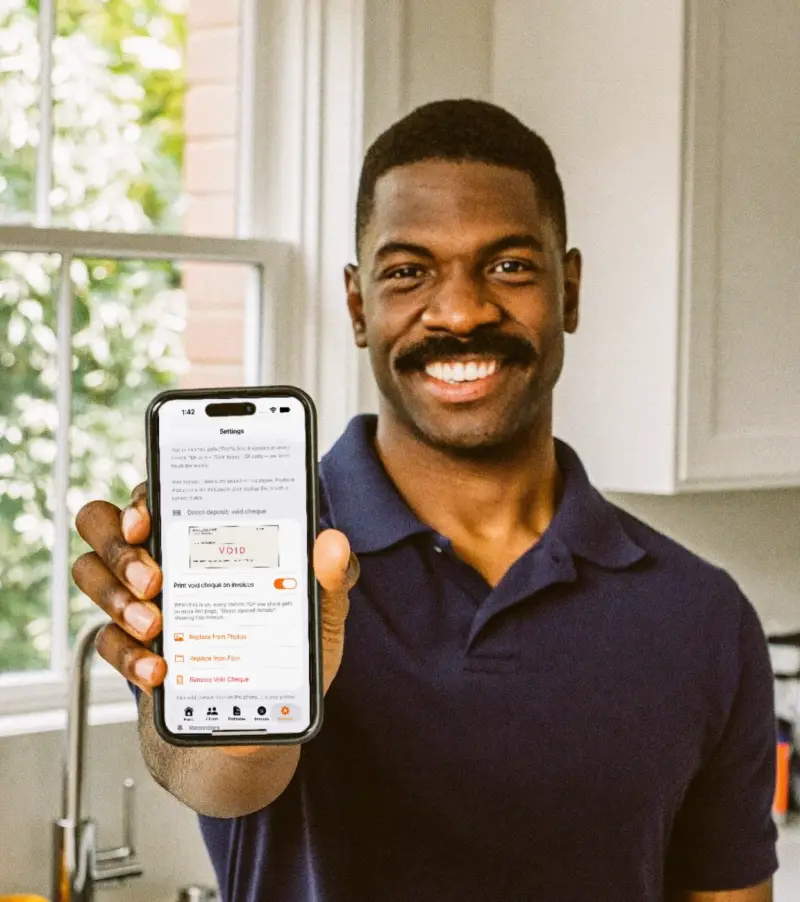
Illustrative images. AI-generated pictures, not real customers; app screens are real captures with demonstration data.
- 1
Get paid your way Premium
Put your own payment link on every invoice: a tappable link plus a “Scan to pay” QR code with the ContractPro hammer in the middle. Customers scan it and land on your payment page. The app never touches the money.
- 2
Direct deposit with a void cheque Premium
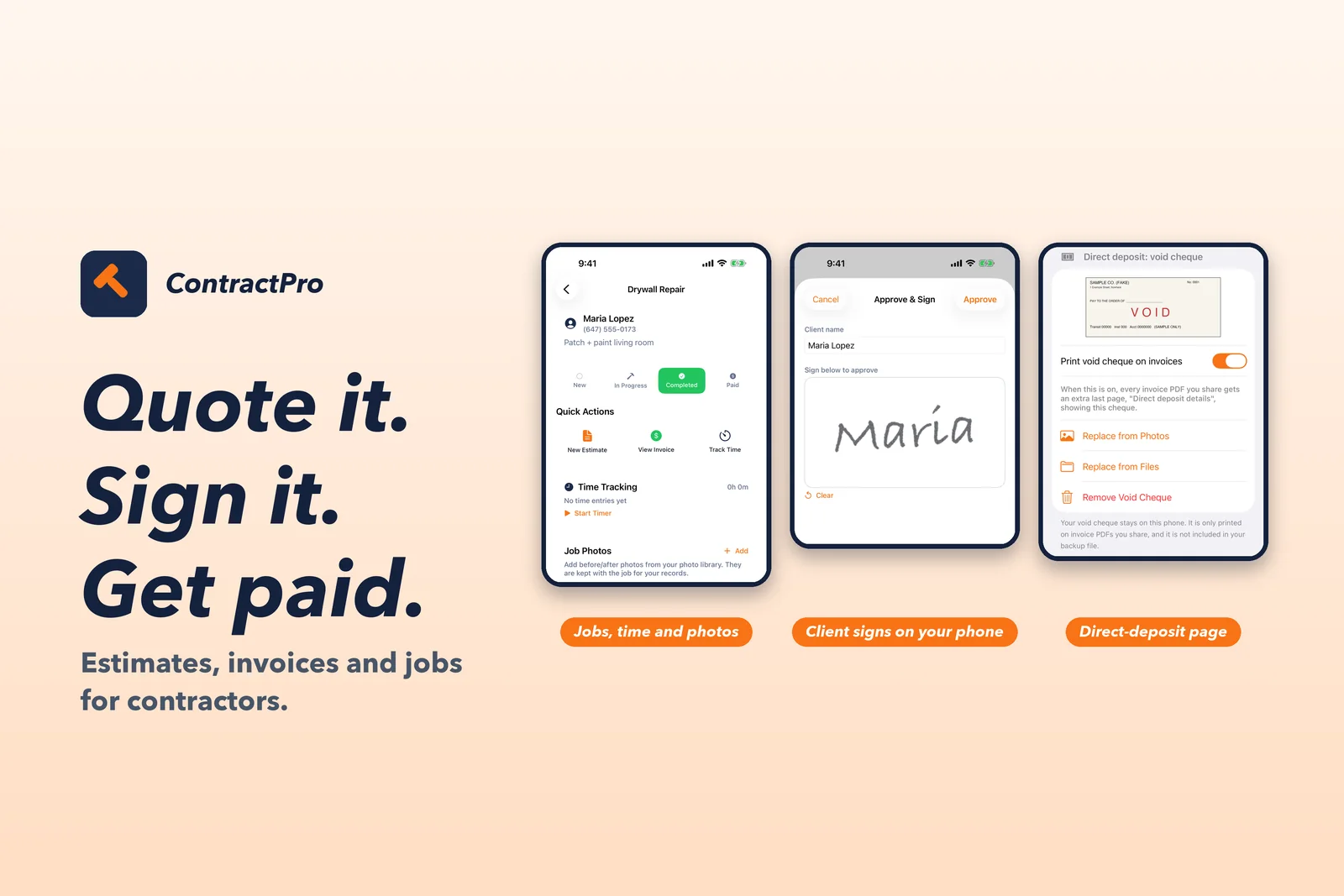
Add a void cheque once and print it as the last page of your invoices. It stays on your phone, not in your backup.
- 3
Deposits and balance due
Record a deposit or part payment and see what is still owed. The PDF shows paid to date and the balance.
- 4
Client signs on your phone Premium
Hand over your phone and the client approves the estimate with a finger signature. The estimate stays locked until you revoke it.
- 5
Estimates to invoices in a tap
Turn an approved estimate into an invoice, numbered in order, with tax and totals worked out to the cent.
- 6
Receipts, expenses and mileage Premium
Scan a receipt, track expenses and mileage, then export a CSV for your accountant.
- 7
Reminders when an invoice is due Premium
Get a reminder on your phone when an invoice falls due, so chasing payment does not rely on memory.
- 8
Your records stay yours
No account, no ads, no analytics. Back up and restore everything to a file you keep, and get a safety copy before every update.
What it does
From first quote to last payment.
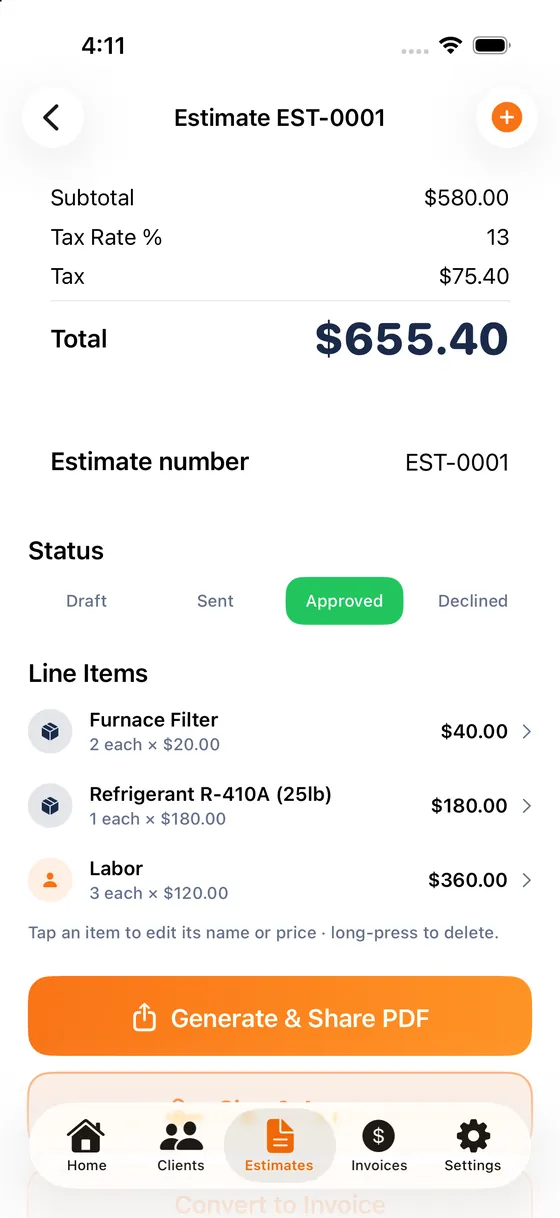
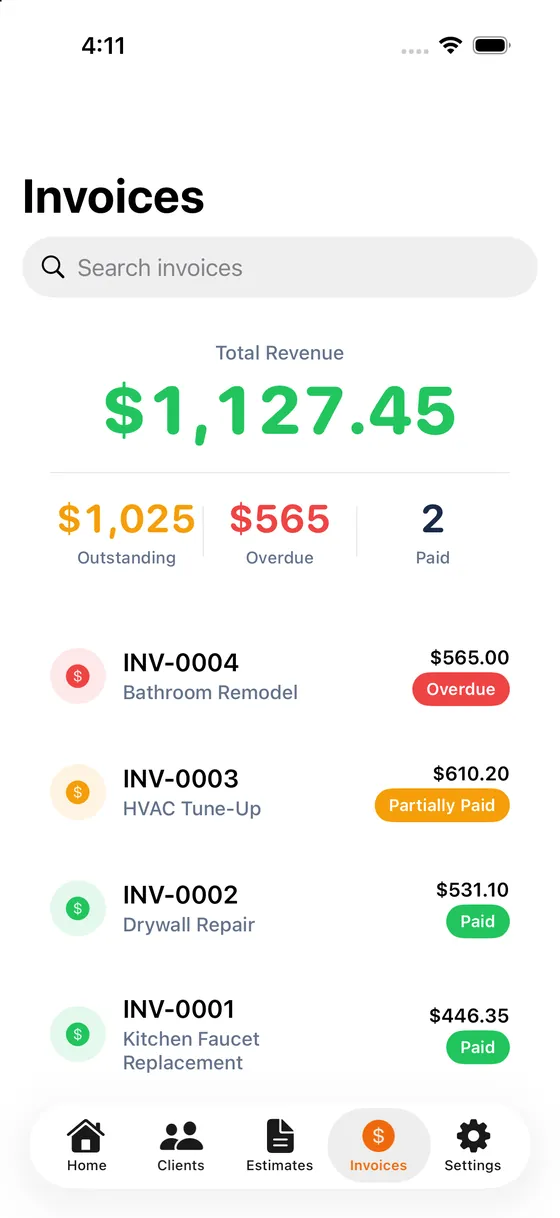
Estimates and invoices
Build an estimate from line items, labour and materials, share it as a PDF, and convert it to an invoice when the job is approved. Estimate and invoice numbers run in order (EST-0001, INV-0001) and you can edit them. Save the items you use again as templates, and duplicate an invoice to bill a repeat job.
Client signature on your phone
With Premium, hand your phone to the client to sign and approve an estimate. A signed estimate is locked until you choose to revoke the approval, so the numbers they agreed to do not change quietly.
Clients, jobs, photos and time
Keep each client and every job together. Add job photos from your photo library, run a timer on the job, and see where each job stands.
Payments, without the app touching money
ContractPro never processes payments. With Premium you add your own payment link and instructions, and your invoice PDFs carry a tappable link and a “Scan to pay” QR code with the ContractPro hammer in the middle. For direct deposit you can also add a void cheque, printed as an optional last page on invoices you share. Your customer pays through your provider or your bank; you record the payment in the app.
Expenses, receipts and your accountant
Premium adds expenses and mileage, receipt scanning that reads the receipt on your device, a business dashboard, and a CSV export for your accountant.
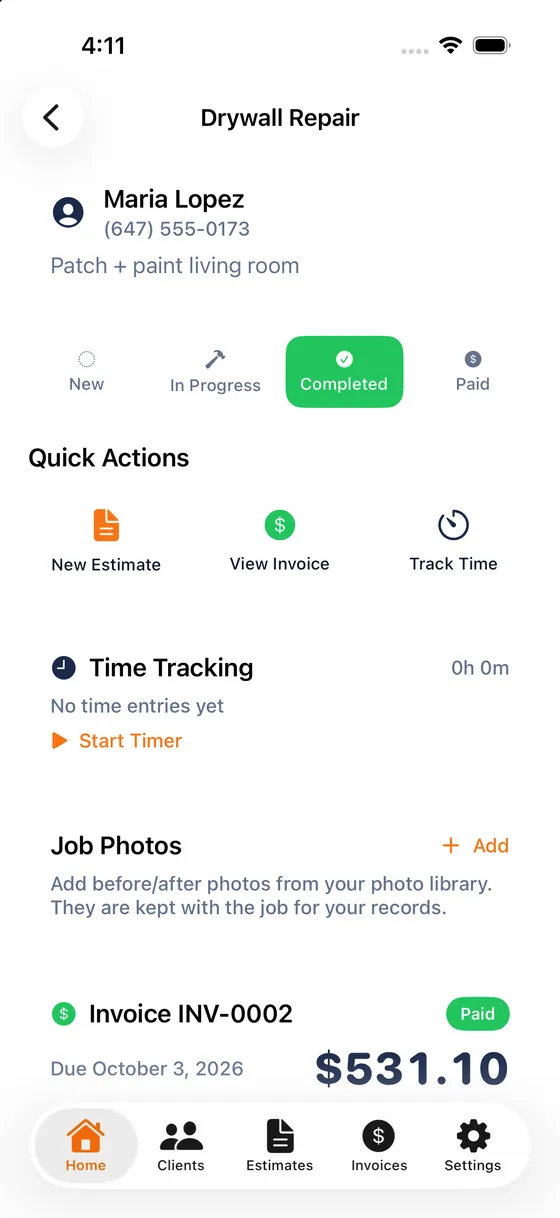
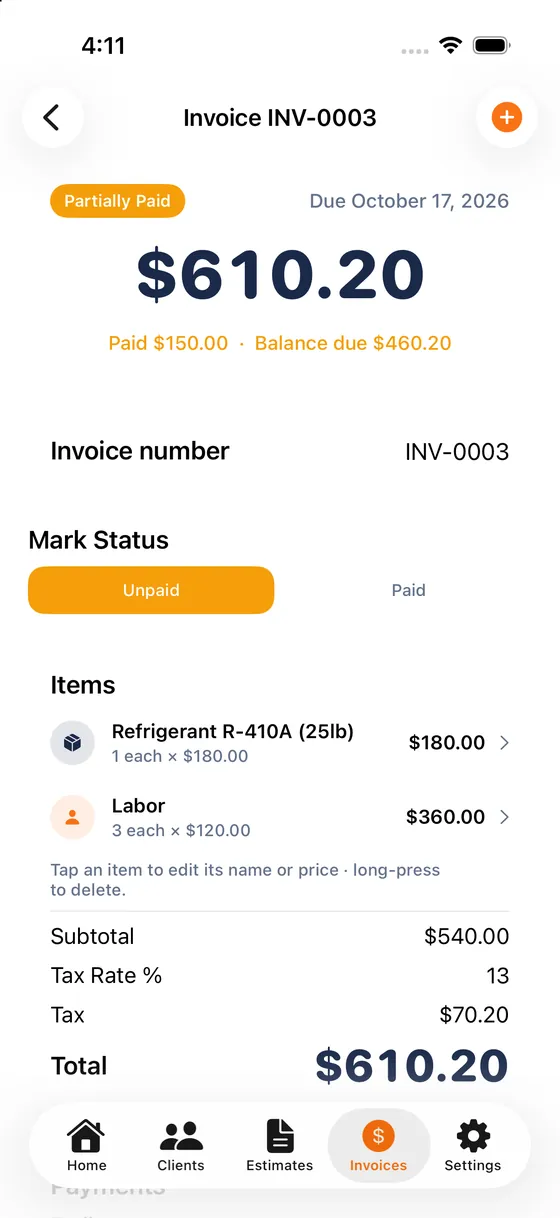
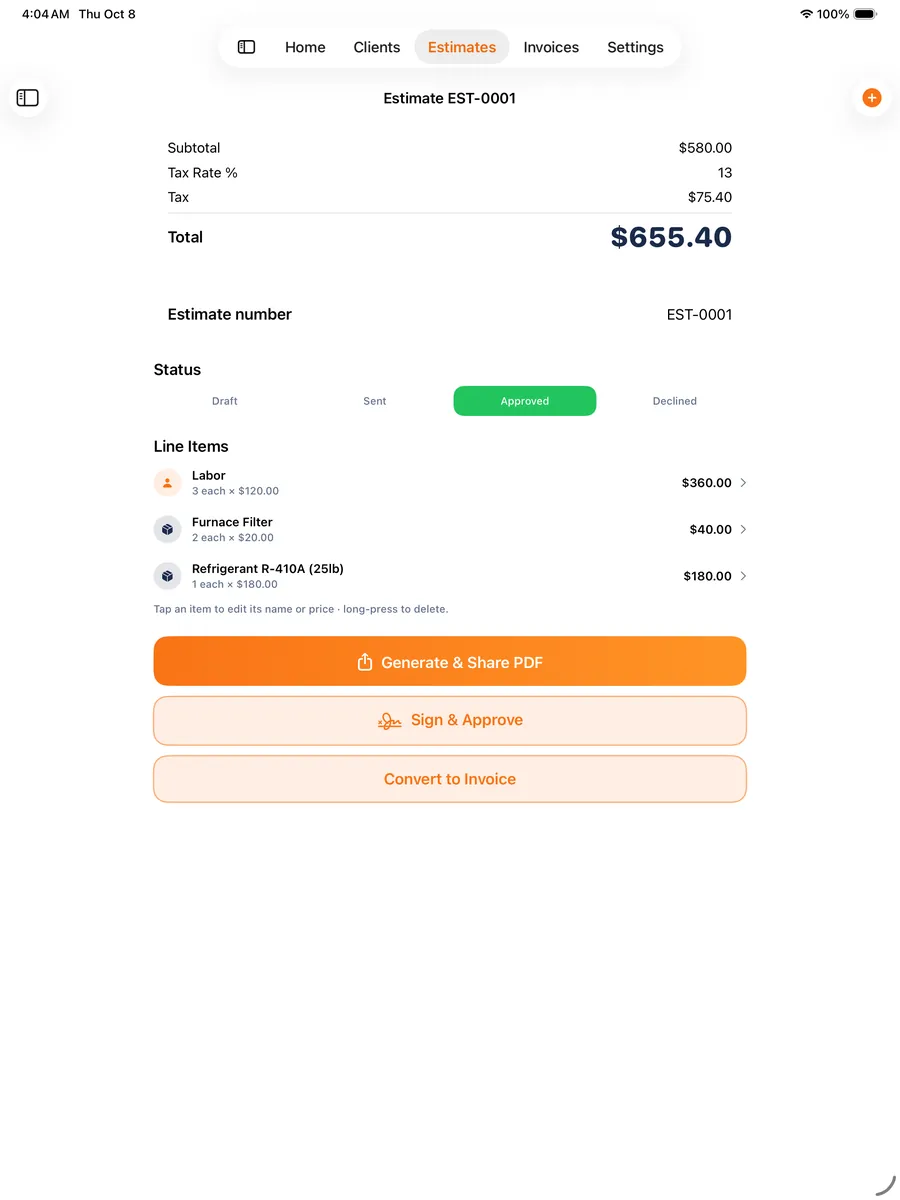
iPhone and iPad
ContractPro runs on iPhone and iPad, in portrait or landscape and in Split View. It also runs on the outer display of the iPhone Duo. It needs iOS or iPadOS 26.5 or later.
Free and Premium
The core job is free. Premium adds the extras.
Premium is a yearly subscription or a one-time lifetime purchase. The price for your country is shown in the app.
Free
- Unlimited estimates and invoices
- Clients, jobs and job photos
- Time tracking
- PDF estimates and invoices
- Deposits and partial payments, with balance due
- Saved item templates
- Duplicate an invoice to re-bill
- Back up and restore your own data (JSON file)
Premium
- Everything in Free
- Client signature on your phone to approve an estimate
- Payment link, instructions and a “Scan to pay” QR code on invoice PDFs
- Optional void-cheque page for direct deposit
- Your logo on PDFs and no “Made with ContractPro” footer
- Payment reminders on your phone
- Receipt scanning on your device
- Expenses and mileage
- Business dashboard
- CSV export for your accountant
Payment is taken by Apple through your Apple Account. The yearly subscription renews automatically unless cancelled at least 24 hours before the end of the current period; manage or cancel it in your Apple Account settings. The lifetime purchase is one-time and does not renew. Terms of Use.
Your data stays yours
Your business records are not ours to hold.
There is no ContractPro account and no ContractPro server. Your clients, jobs, photos, signatures and money records live on your device. We never see them.
A full backup, free
Save everything to one file you keep: clients, jobs, estimates, invoices, payments, expenses, templates, signatures and your business profile. Restoring never duplicates or deletes what is already there. The file is not encrypted, so keep it somewhere you trust.
Protected before each update
Before each app update, ContractPro copies your data into a safety folder on your device and keeps the last three copies. If anything ever stops your data opening, you are not left with an empty app.
No silent empty start
If your data cannot be opened, ContractPro shows a recovery screen instead of starting blank. Nothing is deleted, and you can share a copy of your data files with support.
Questions
Good to know.
Do I need an account?
No. There is no ContractPro account and no sign-in. Open the app and start.
Where is my data stored?
On your device. ContractPro has no server that receives your records. If you use iCloud Backup, Apple may include the app’s data in your device backup depending on your own settings. ContractPro does not offer sync between devices.
Does ContractPro take payments?
No. The app never processes payments. With Premium you add your own payment link and instructions, which are printed on your invoice PDFs with a Scan to pay QR code, plus an optional void-cheque page. Your customer pays through your provider or bank.
What is free and what is Premium?
Estimates, invoices, clients, jobs, photos, PDFs, deposits and partial payments, saved templates, duplicating an invoice and a full JSON backup are free. Premium adds client signatures, payment link, Scan to pay QR code, void-cheque page and logo on PDFs, reminders, receipt scanning, expenses and mileage, the dashboard and CSV export. The price is shown in the app.
Does the receipt scanner upload my receipts?
No. Receipt scanning runs on your device using Apple’s text recognition. Nothing is sent to us or to any other service.
What happens when I update the app?
Before each update, ContractPro copies your data into a safety folder on your device and keeps the last three copies. If your data cannot be opened, you see a recovery screen rather than an empty app.
Can I get my data out?
Yes. A full backup (free) saves your data to a JSON file, and Premium adds a CSV export for your accountant.
Which devices does it run on?
iPhone and iPad with iOS or iPadOS 26.5 or later. It also runs on the outer display of the iPhone Duo.
Something is wrong. Who do I ask?
Write to contact@halosyncs.com or see Support. A person reads every message.

Send the next quote from your phone.
Free to start. No account. Your records stay yours.
Get ContractPro on the App Store