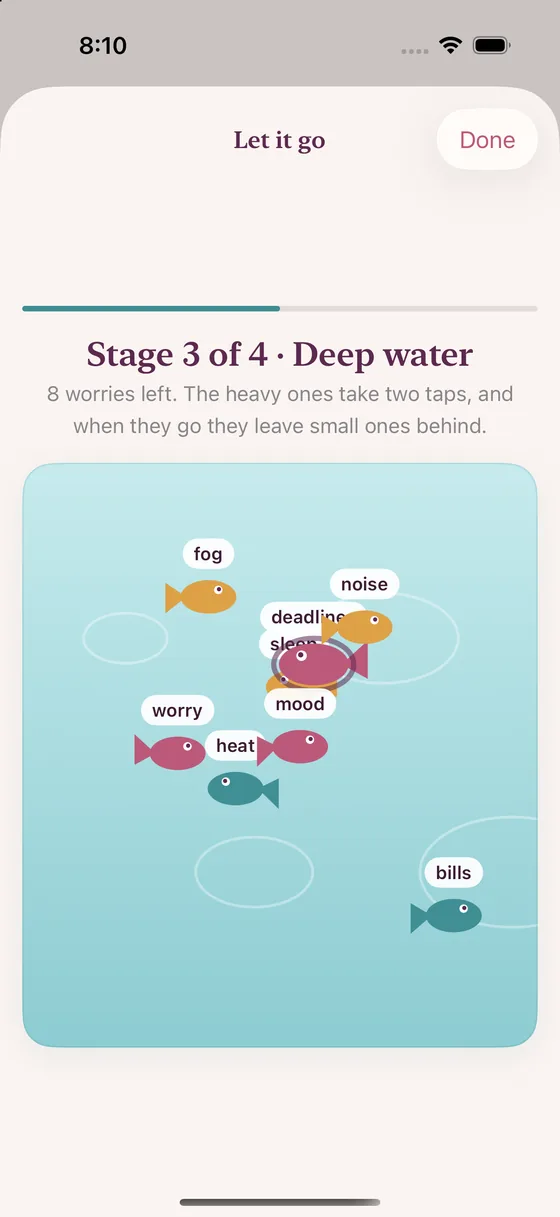
Let it go
Type what's weighing on you and catch each word as a fish. Nothing is saved or sent.
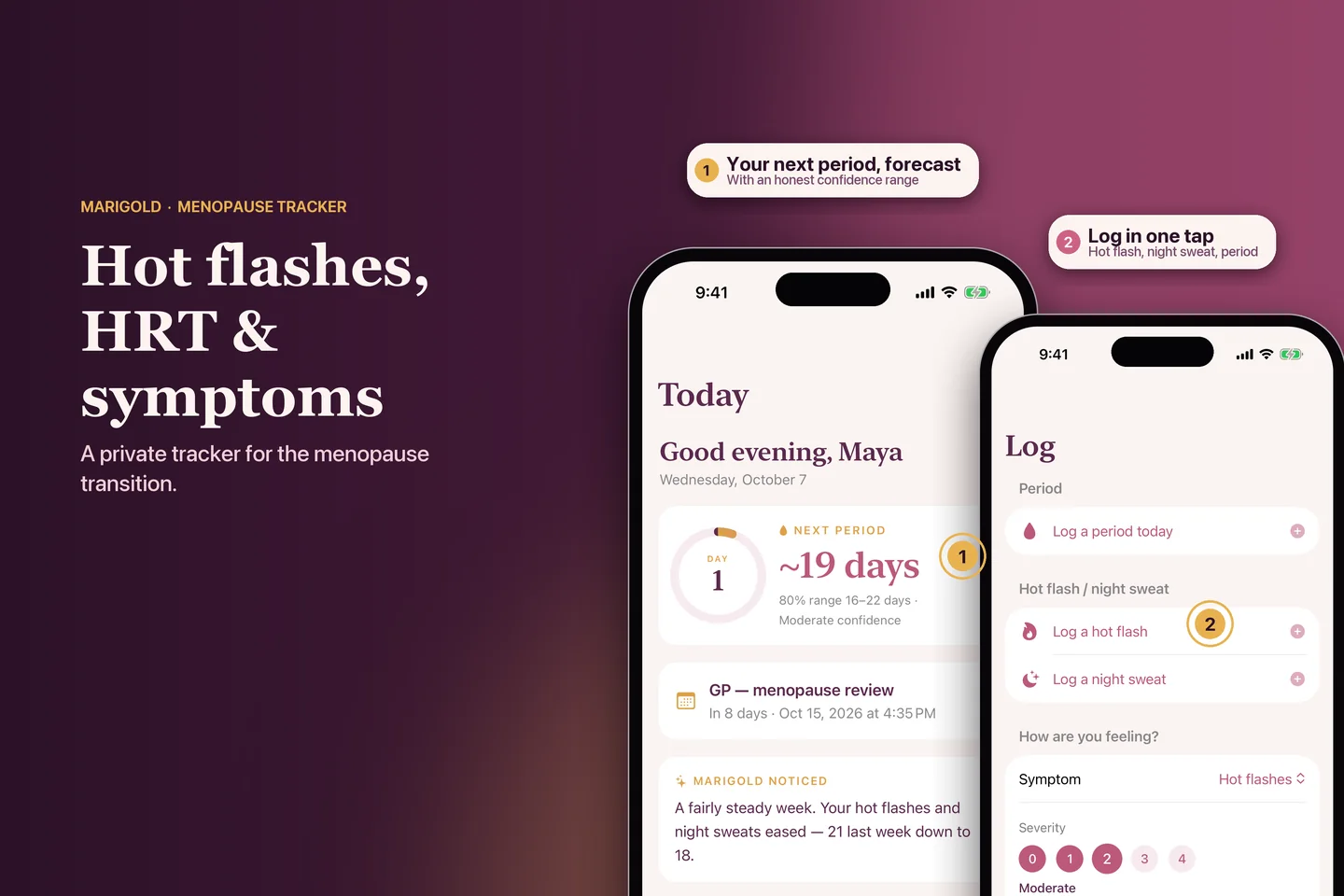
For perimenopause & menopause
A private companion that lets you log the hard days in seconds, shows you what is really changing, and helps you walk into every appointment prepared. No account. No ads. Nothing sold.
Free to start · Try Premium free for a month · iPhone, Apple Watch and iPhone Duo
Why Marigold
Most trackers were made for something else and bent to fit. Marigold starts from the real questions: Is this normal? Is it getting worse? What do I tell my doctor?
There is no account and no server holding your logs. Your cycle, symptoms and medication stay on your iPhone. There is nothing for us to sell, because we never have it.
Cycles get irregular in perimenopause, so Marigold forecasts as a range with a confidence level, and tells you plainly when it can't call it. No false precision.
One tap builds a clear PDF: your cycle pattern, symptom burden, HRT, flags to raise and questions to ask. Walk in with facts instead of trying to remember.
Everything in one calm place
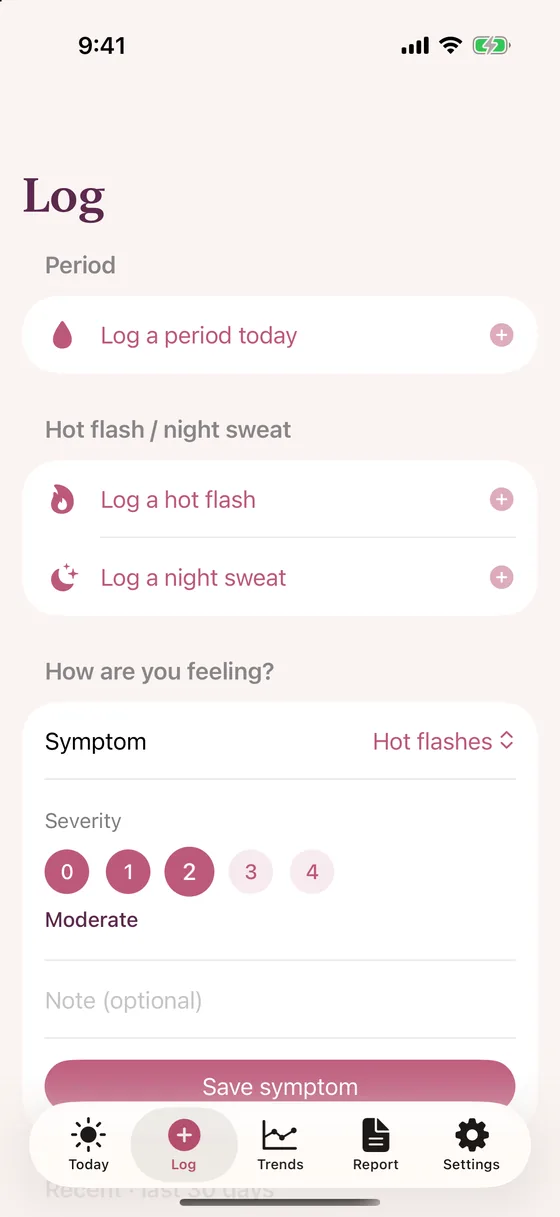
Log
A hot flash at 3 a.m. should take one tap, not a form.
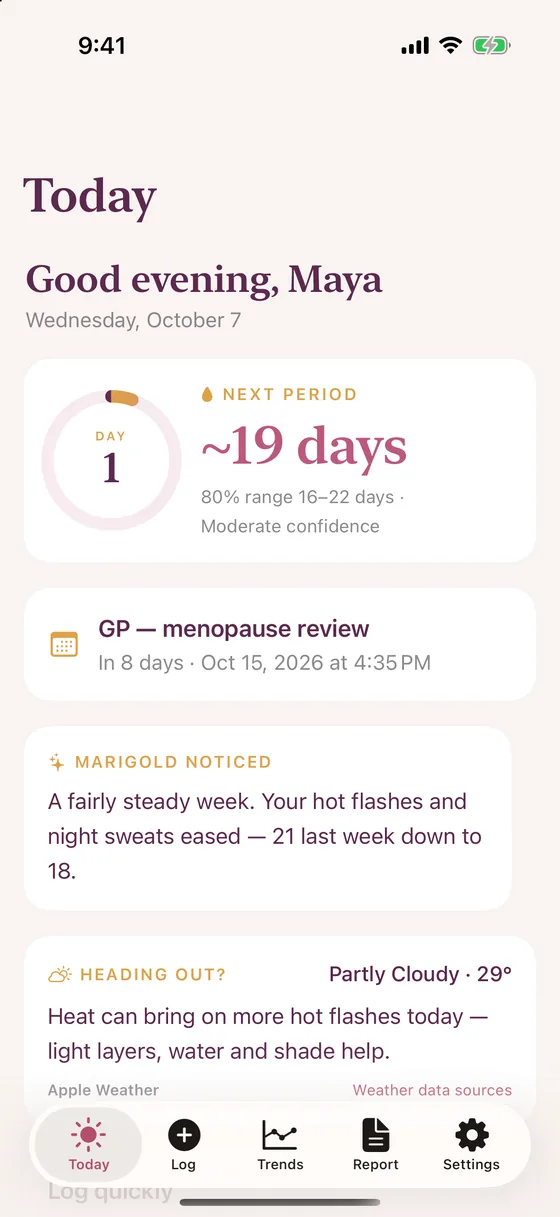
Today Forecast is Premium
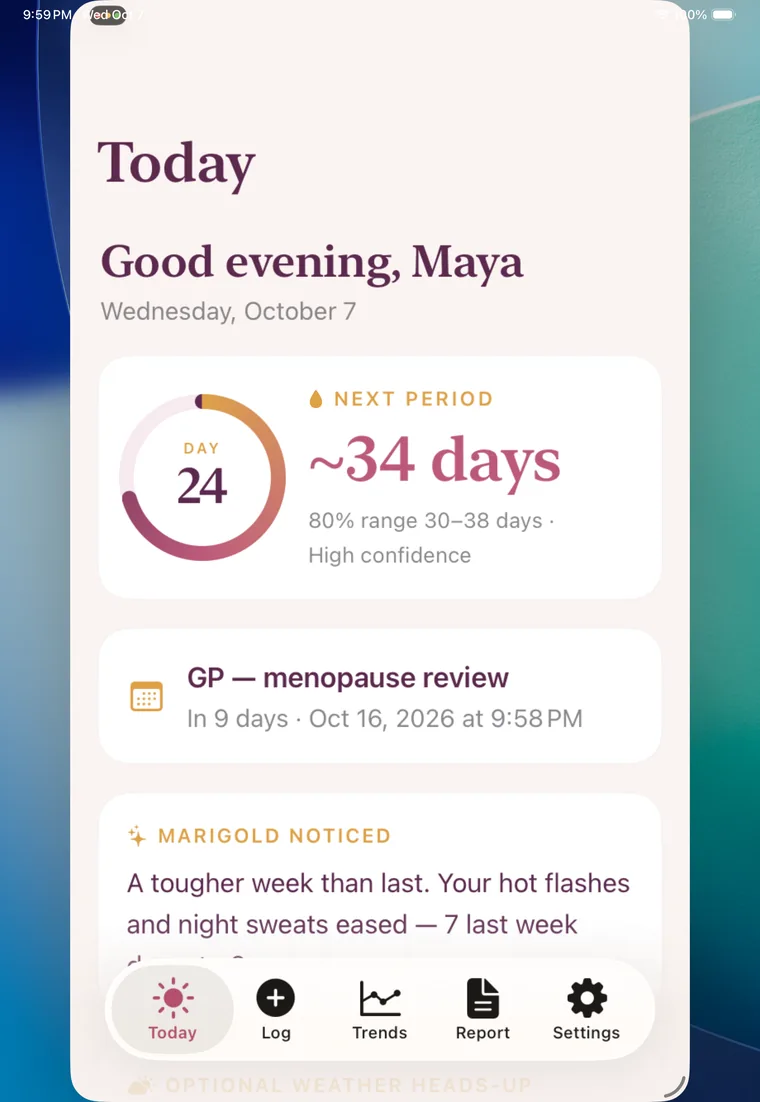
A cycle ring, an honest forecast, and a short “Marigold noticed” note that reads your week back to you.
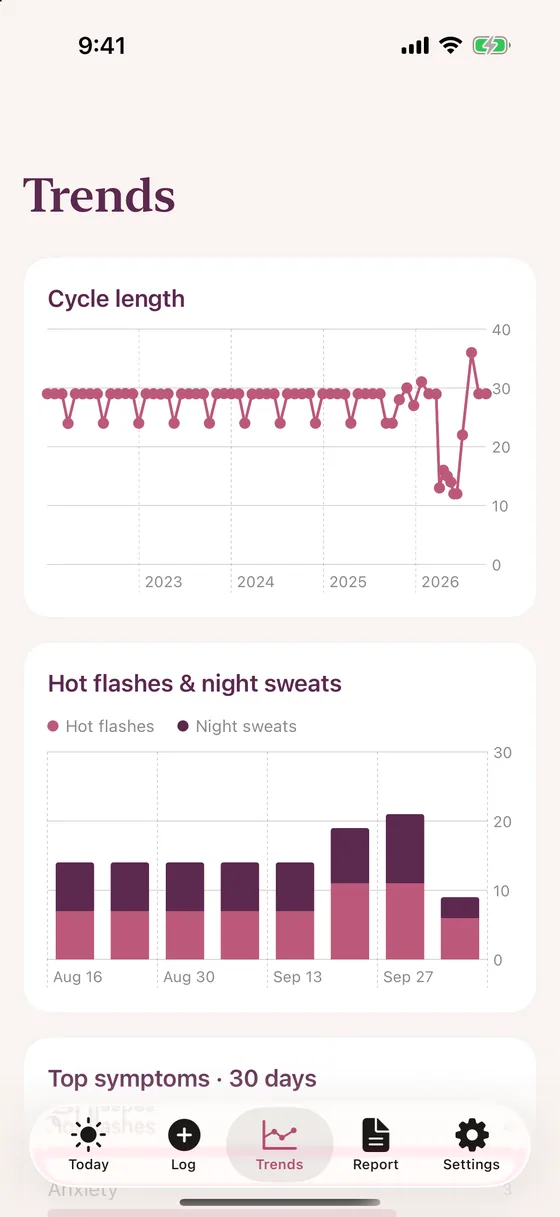
Trends Premium
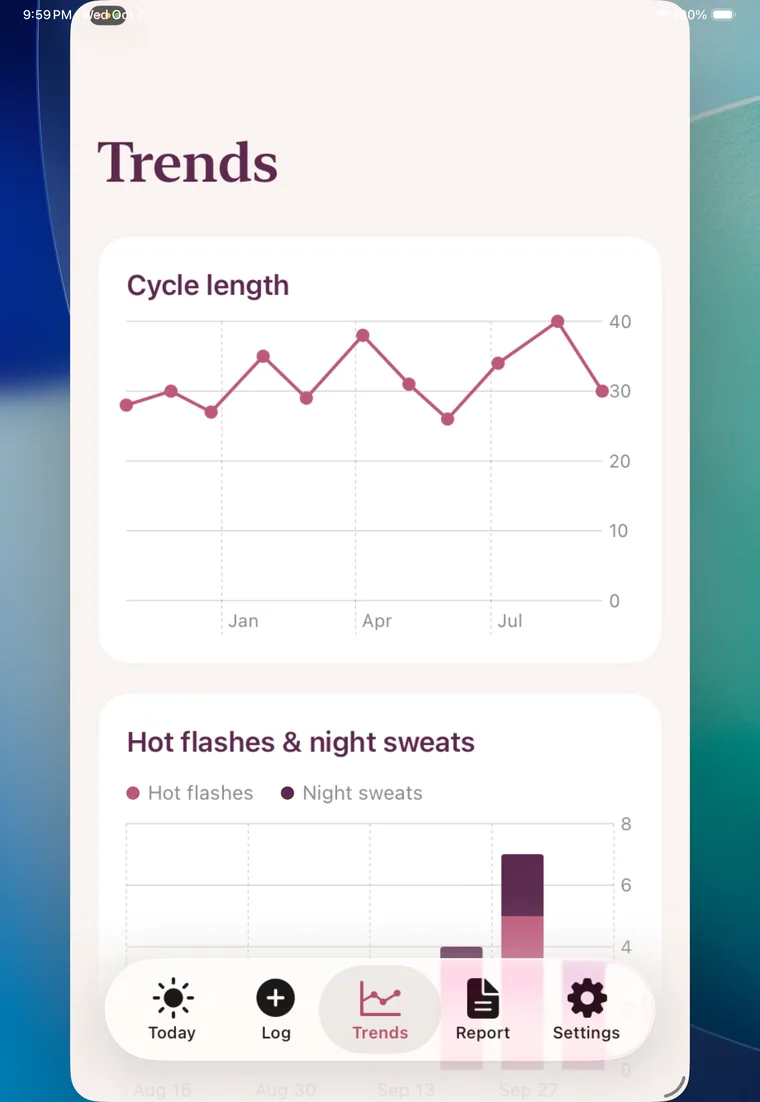
What feels like chaos often has a shape. Trends shows it.
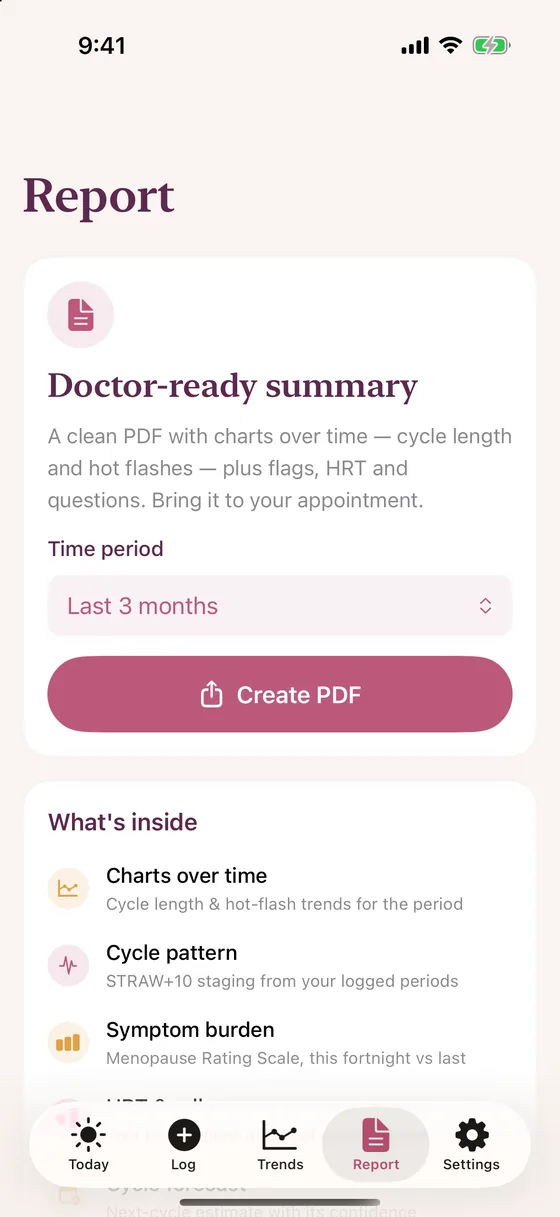
Doctor-ready summary First one free
Your appointment is short. Your history is long. Marigold closes the gap.
Patch, gel, tablet, injection and more. Dose reminders, running-low refill alerts, and a quick check-off on Today.
Reminders before each visit, and a summary ready to bring so you never lose the thread.
Optionally bring in sleep, resting heart rate and wrist temperature, read-only, to sharpen your patterns.
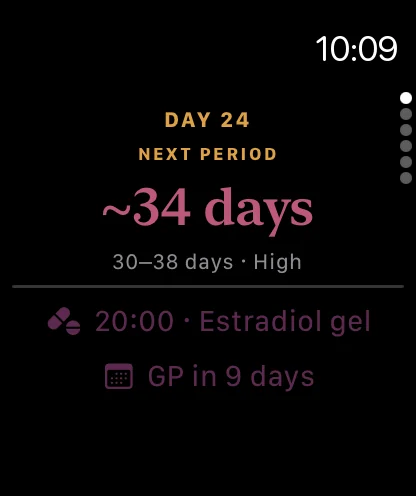
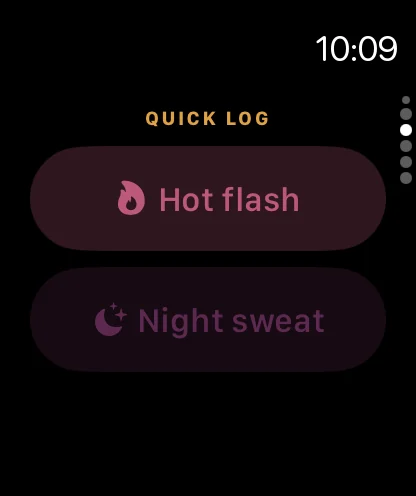
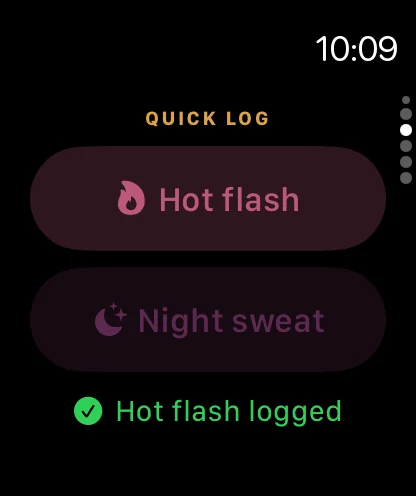
Your forecast and next dose on the Home Screen, a watch complication, and one-tap logging from your wrist.
“Log a hot flash in Marigold.” Hands-free, even at 3 a.m. Free for everyone.
Optional. A rounded location gets today's forecast from Apple Weather, so you know when heat may bring flashes.
Calm Lab · always free
Frustrating day, hot flash, or a long sleepless night: fifteen quiet activities with no scores and nothing to lose. A few favourites:
Type what's weighing on you and catch each word as a fish. Nothing is saved or sent.
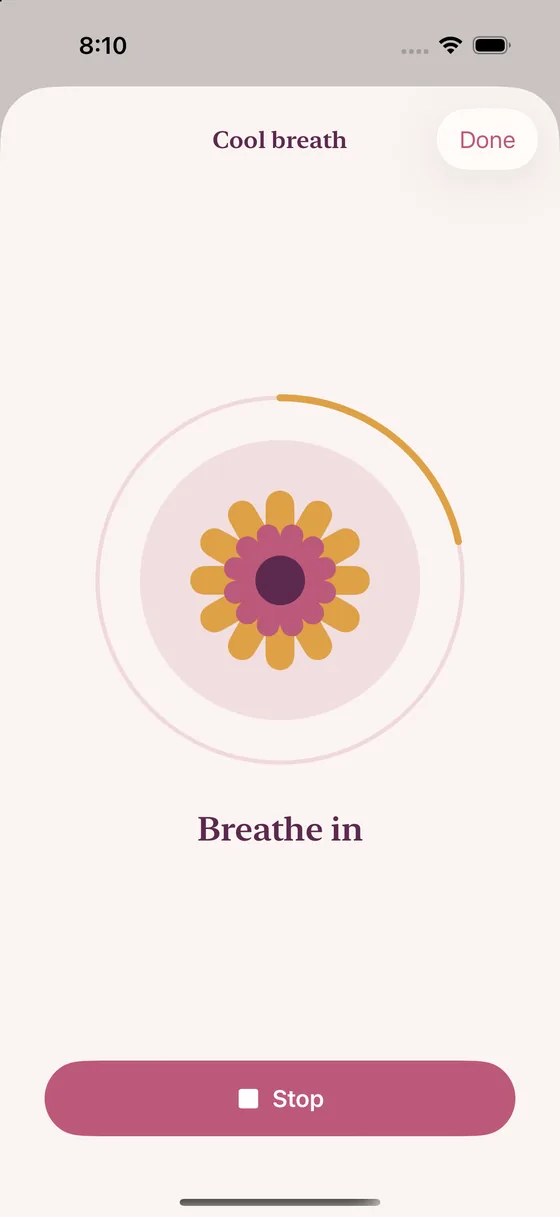
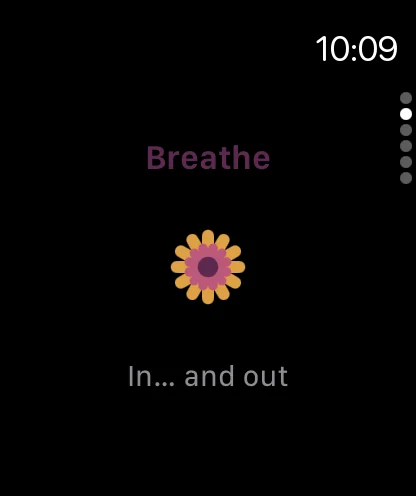
One button, sixty seconds. Breathe in for four, out for six, and watch the colour cool.
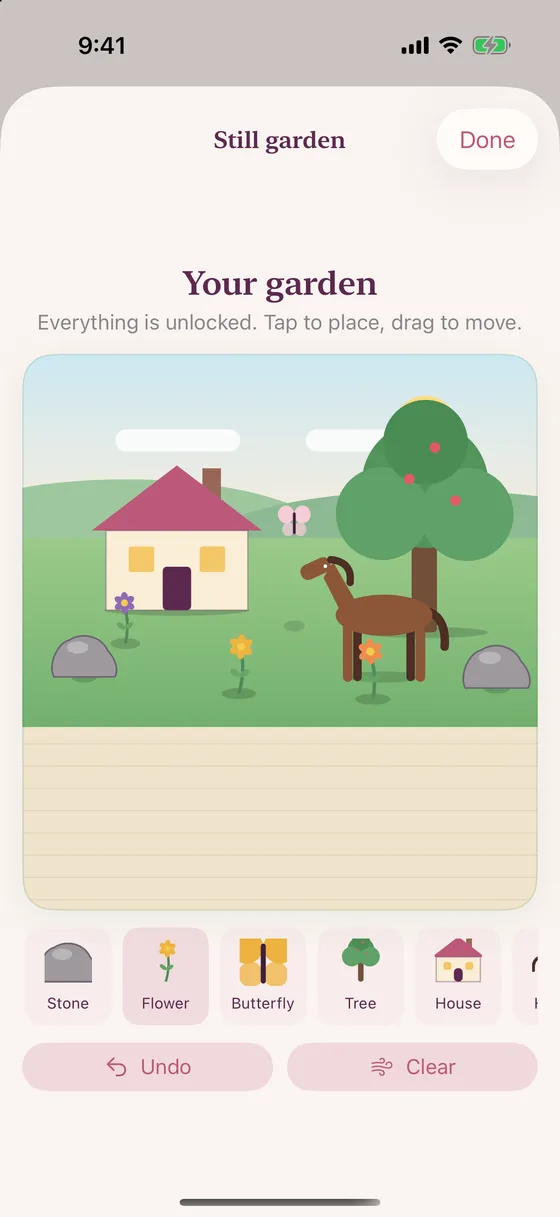
A little garden that settles at real sizes, is kept for next time, and grows as you rest.
Plus breathing, grounding, bubbles, colouring, memory games and calm chess. Built on what research does and doesn't support: slow breathing and mind-body approaches show modest benefits for sleep and anxiety in menopause. Calm Lab is not a treatment, and it won't replace talking to your clinician.
How it works
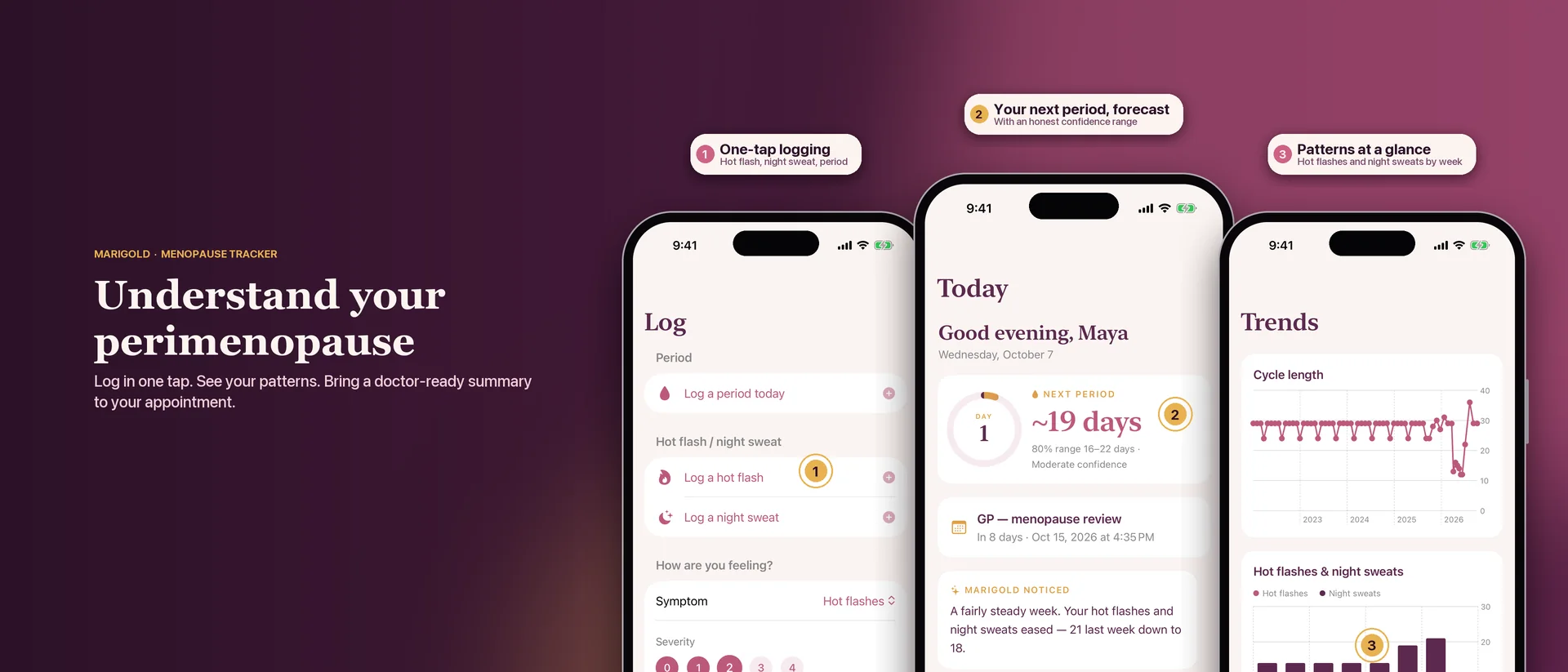
Tap a hot flash, add how you feel, note a period. It takes seconds, from the app, your wrist or Siri. Do it when it happens, or in the evening.
Patterns show up as you log. After three logged periods Marigold starts forecasting, as a range, and tells you how much to trust it.
Tap once for a clear PDF of what has changed, what you take, and what to ask. You decide whether to share it. Your first summary is free.
Wherever you are
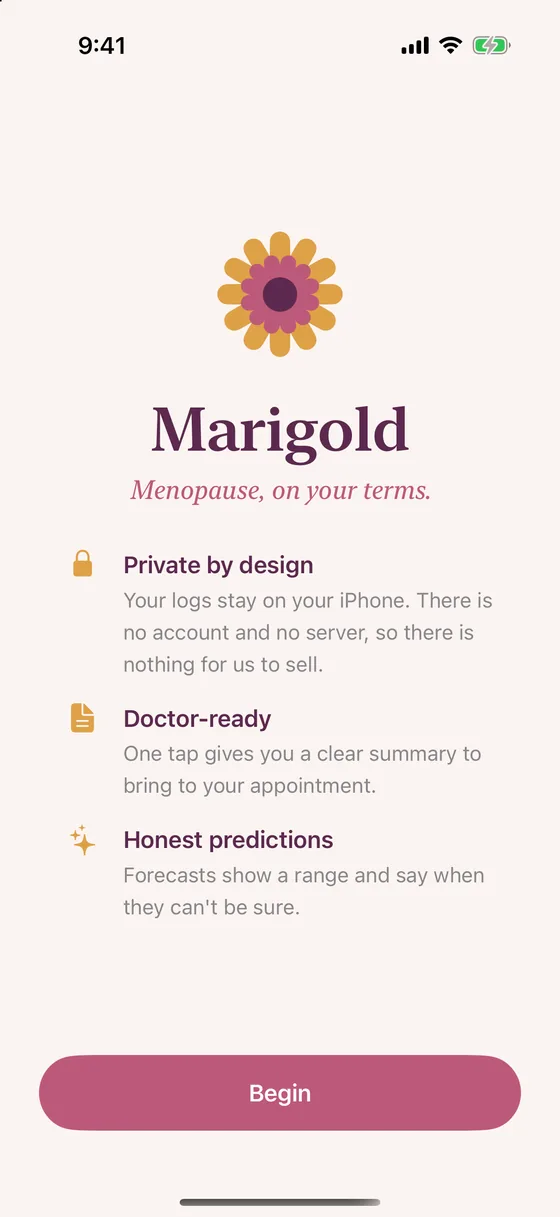
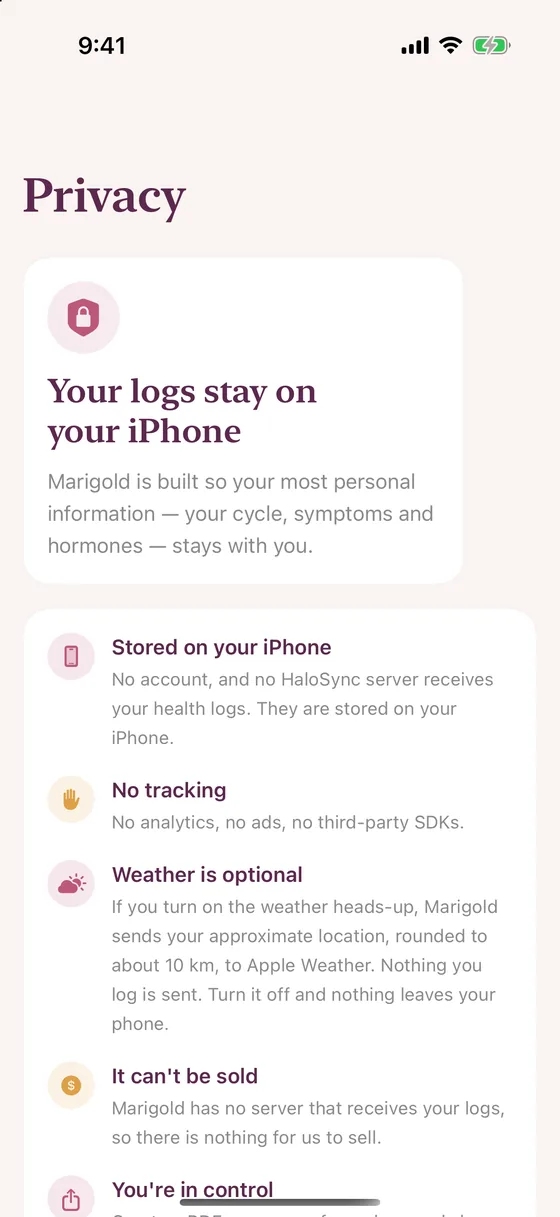
The full Marigold: logging, today, trends, doctor summaries, reminders and fifteen calm activities. Quick-log with Siri, and add the Home Screen widget.
Requires iOS 17 or later.
Check your forecast and next dose, take a minute to breathe, and log a hot flash, symptom or mood in one tap without reaching for your phone. A watch-face complication keeps it close.
Marigold runs on iPhone Duo's dual-screen layout. Here is the outer display, where Today, Log, Trends and Report all fit comfortably, with the new side tab bar.
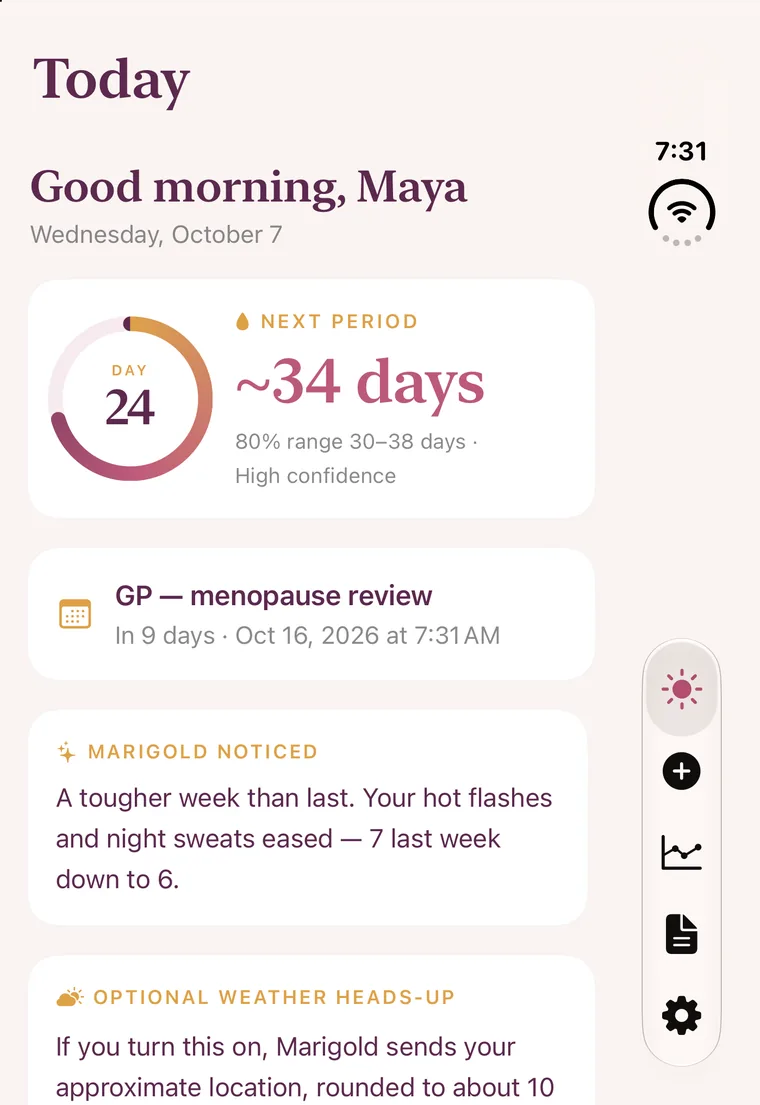
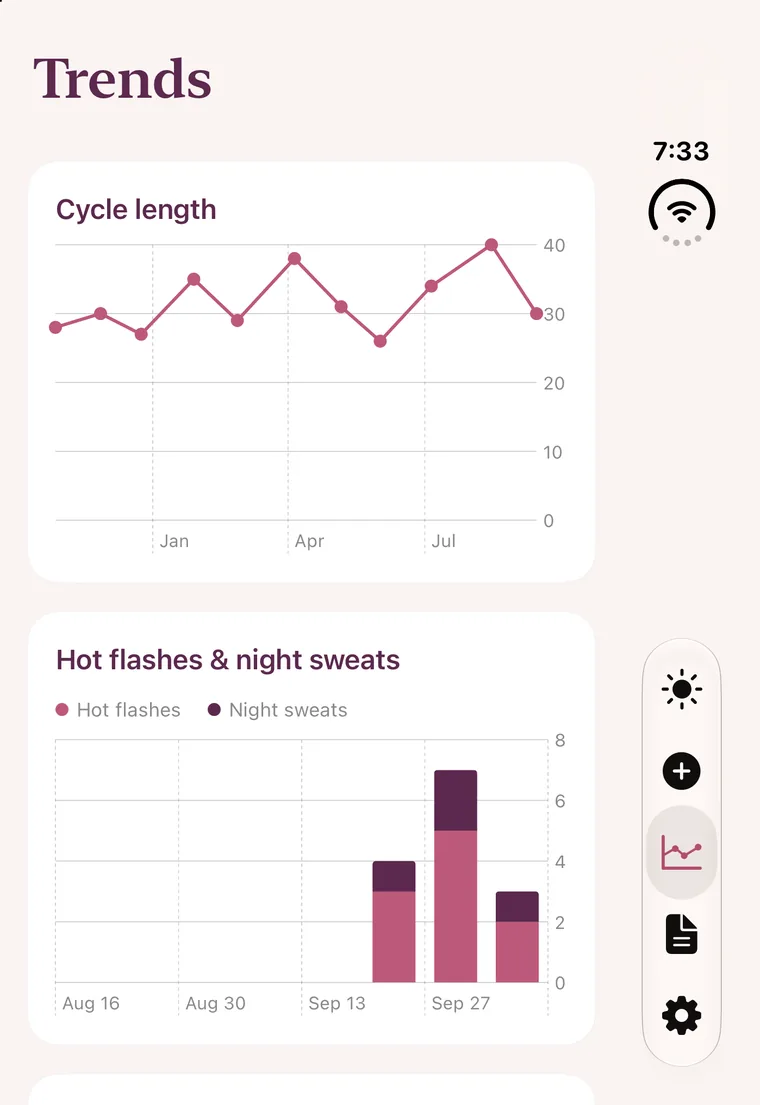
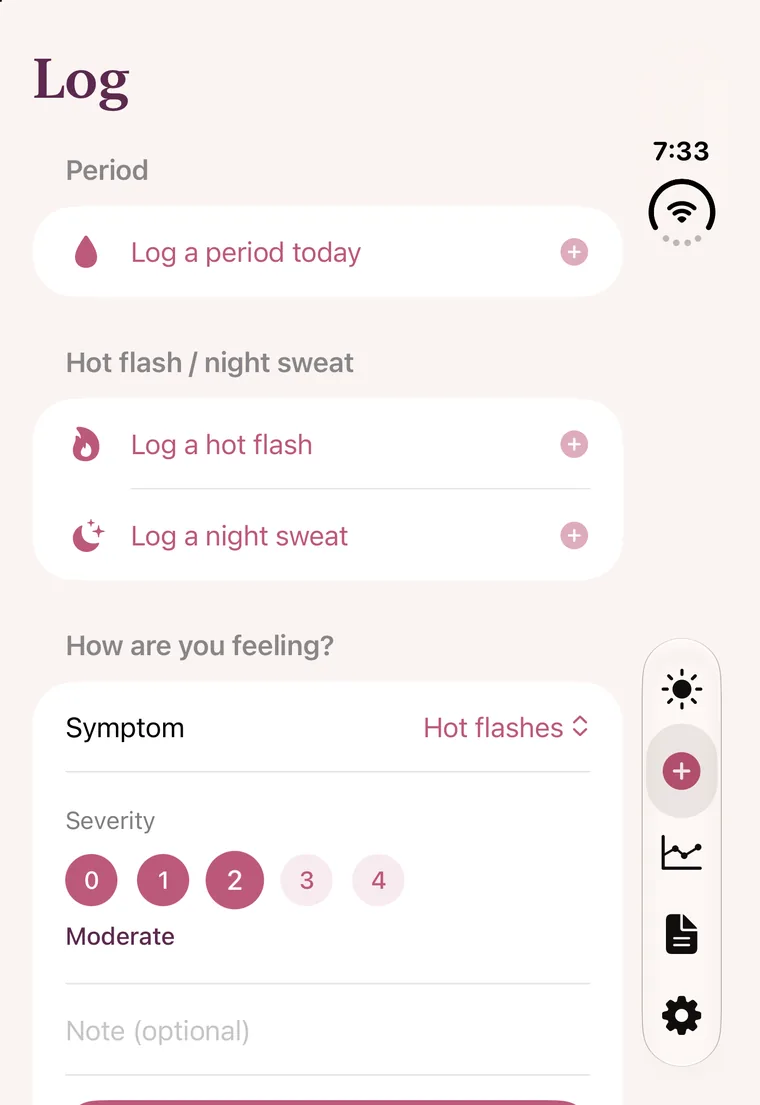
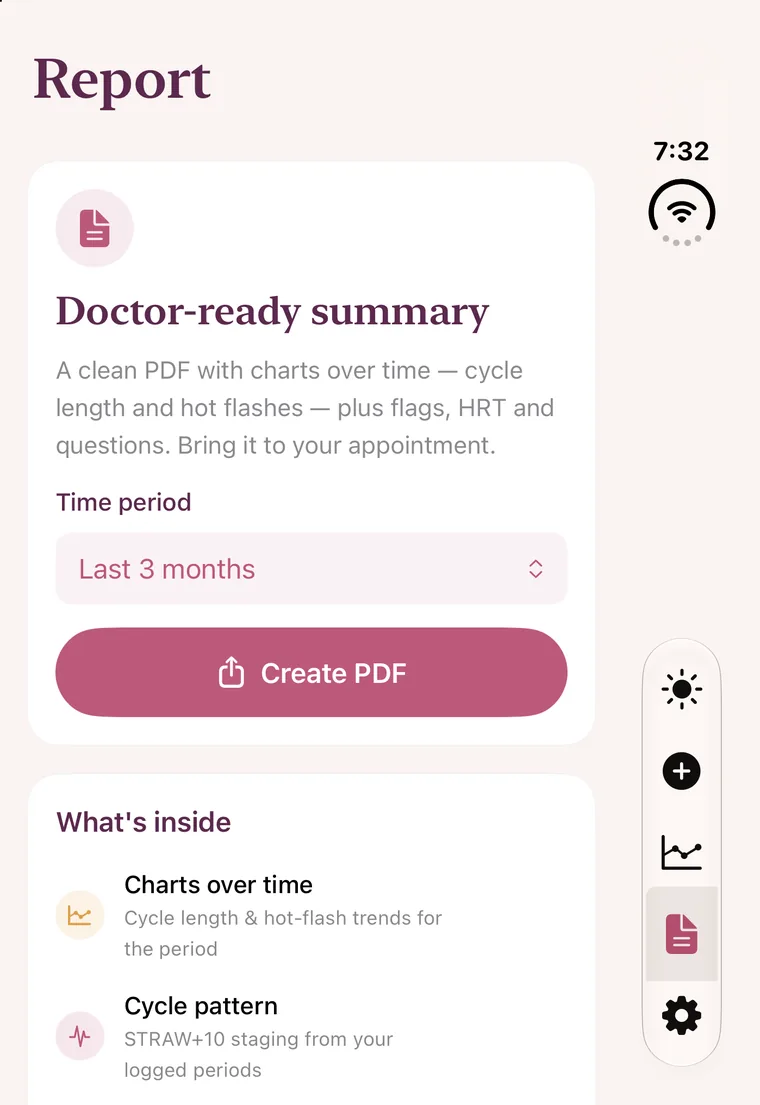
Marigold already runs on iPad in iPhone mode, filling the screen with the same calm layout. A full tablet layout with more room for charts and summaries is planned.
Private by design
Marigold has no account, no ads and no analytics or tracking SDKs. Your logs are stored on your iPhone, and there is no HaloSync server holding them. The only thing that can leave your phone is an optional, rounded location for the weather heads-up, and only if you turn it on.
Simple pricing
The annual plan starts with a free month. It converts to a paid annual subscription automatically unless cancelled at least 24 hours before the trial ends, and you can manage or cancel it in your Apple ID settings. Prices shown in US dollars; your App Store shows the price for your region.
Questions
No. There is no sign-up and no login. Open the app and start logging.
On your iPhone. Marigold doesn't send your logs to a server. The one exception is an optional rounded location for the weather heads-up, and only if you turn it on. Nothing you log is sent.
No. Marigold is a private tracking tool, not a medical or diagnostic device. It never diagnoses and never recommends starting, stopping or dosing any medication. Its insights and forecasts are patterns from your own logs. Decisions about treatment belong with you and your clinician.
In perimenopause cycles can be very irregular, and that is part of the picture. Marigold shows a range and a confidence level, and says so plainly when your cycles are too irregular to call, rather than pretending to be precise.
Logging, the Today screen, the 7-day chart, your top symptoms, all fifteen Calm Lab activities and your first doctor summary are free. Premium adds the forecast, full trends, insights, summaries for any date range, HRT and appointment reminders, Apple Health, the Home Screen widget and the Apple Watch app.
Open iOS Settings, tap your name, then Subscriptions. You can cancel any time, and Lifetime never renews.
iPhone with iOS 17 or later, including iPhone Duo, plus Apple Watch. Android and a native tablet version are coming soon.

Free to start. Private by design. Ready in a minute.
Get Marigold on the App Store